
Reviewed by Arisa Tanaphon, Certified Tai Chi Instructor, Mindful Movement Specialist
Tai Chi for Seniors & Beginners is a guided practice app with standing Tai Chi and Chair Tai Chi tracks, real-trainer demonstrations, timed sessions, and saved progress. Use it when you want a sequence to follow at home instead of choosing each movement yourself.
You can examine the app’s actual material first. Our exercise library publishes movement videos and instructions, workout pages show complete single-session sequences, and plan pages preview the first seven days. This guide explains how those resources connect to the app.
Key takeaways
- Tai Chi for Seniors & Beginners includes 142 exercises, 16 standalone workouts, and 10 plans: standing and Chair Tai Chi across 5 levels, with 30 days per plan.
- The first 7 plan days can be previewed on this website. Compare the movement lists before choosing a short or extended session.
- Real-trainer videos, audio instructions, pause, and adjustable rest help you follow unfamiliar movements. Progress is saved separately for the standing and chair tracks.
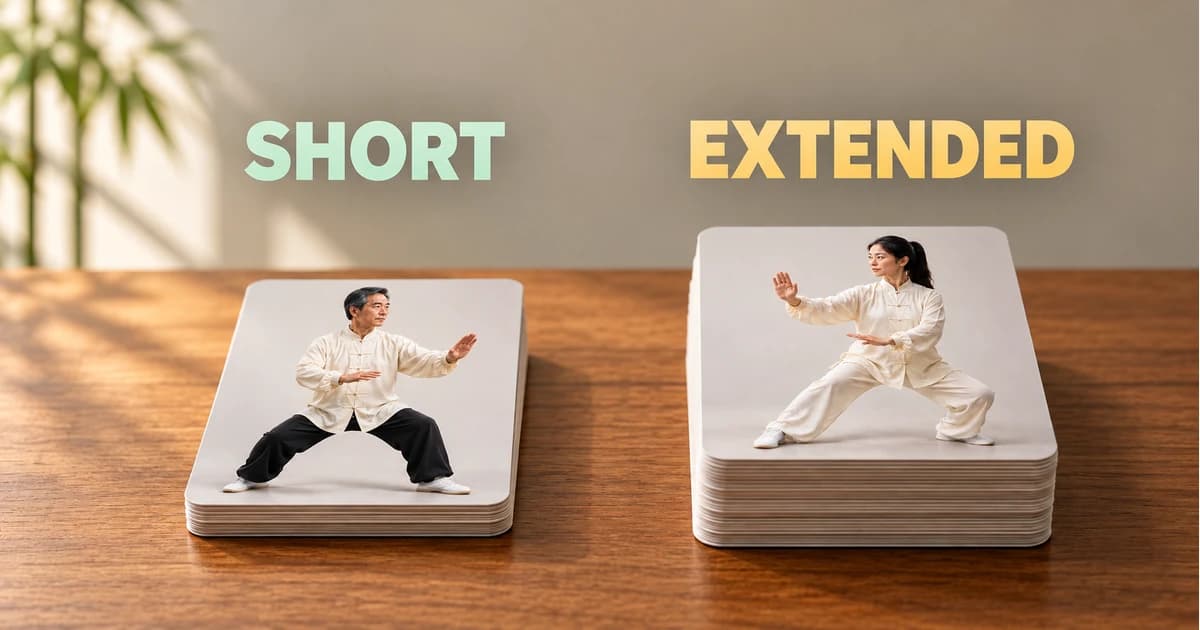
- On standing beginner day 1, short means 10 movements; extended means 21. The longer version adds movements within that day, rather than changing your level.
What is in the practice library?
- 142 movement guides. Each uses an app exercise ID, its original video, and its instructions. Standing and seated movements have separate entries.
- 16 single sessions. The website preserves the exercise order from the app, including warm-up and closing movements where included in the session.
- 10 30-day plans. There are five levels in each of the two tracks: beginner, easy, intermediate, advanced, and expert. Every day has a short and extended sequence.
Difficulty describes the movements in the sequence. It does not certify that a movement is suitable for a particular injury, diagnosis, or balance limitation.
Choose a first session you can inspect
For standing practice, open Gentle Morning Warm-Up. Its 12 movements include shoulder and wrist work, arm circles, cross stepping, and a closing movement. Follow the links to watch any unfamiliar movement before starting.
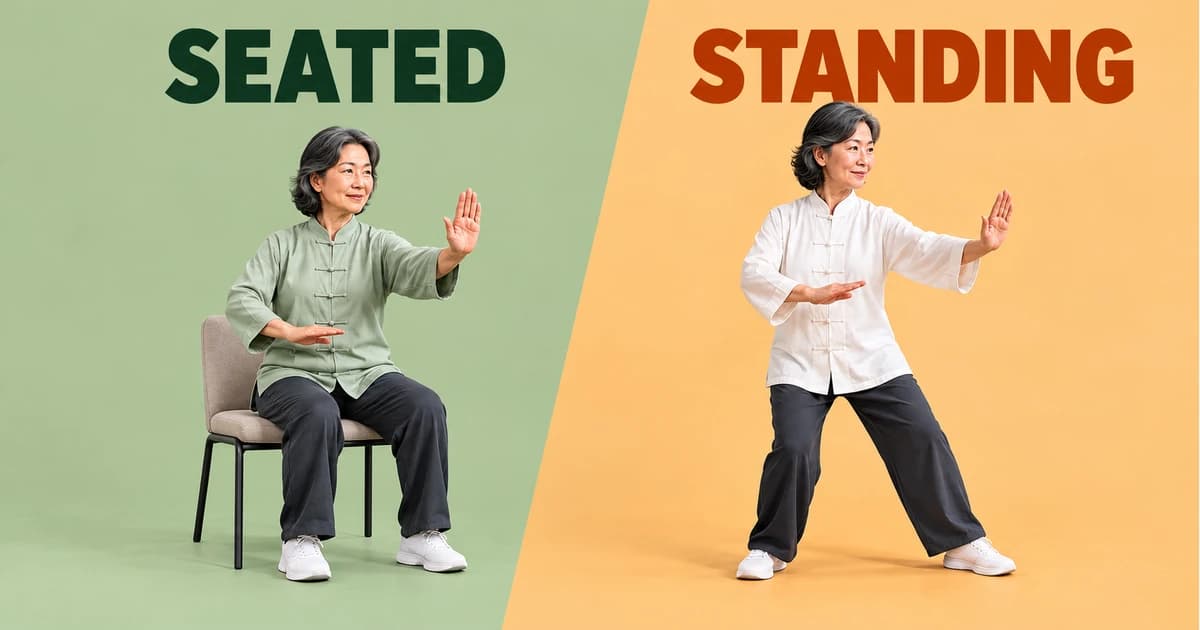
For a chair option, inspect Seated Sunrise Flow. It includes torso turns, arm movements, and leg work from the chair track. Compare the sequence with chair versus standing Tai Chi if you are unsure which format fits today.
What the workout controls do
- Video and audio guidance. Watch the trainer’s demonstration and use the spoken movement cues during a session.
- Rest controls. Choose a rest interval in the workout popup. Available rest choices run from 5 to 30 seconds in five-second increments.
- Pause and movement help. Pause when you need to reset or check an instruction. The timer is not a target for repetitions.
- Music preferences. Adjust background music separately from the movement instructions in settings.
The app uses 30-second movement blocks. The website’s session estimate adds 15 seconds of preparation per movement; rests, pauses, and your settings affect actual elapsed time.
How the daily plans differ from single sessions
A single session is one fixed exercise sequence. A 30-day plan contains a sequence for each practice day. Choosing an extended day adds movements within that day rather than simply speeding up the short version.
Start with the standing beginner plan or seated beginner plan. In the app you can adjust your level, duration choice, training weekdays, and reminder time. Standing and chair progress are saved separately when you change tracks.
What you can track
The Progress section shows completed practice days and training time. These records help you see what you have done and return to your plan. They do not measure movement quality, diagnose a condition, or establish that balance has improved. Our practice data report explains what the app’s completion records can and cannot tell us.
Choose a plan that fits your week
In our getting-started questions, daily practice was the most popular plan at 65.4%; three times a week accounted for 27.2%, and once a week for 7.4%. A preferred schedule helps you choose where to begin; it does not predict your progress.
Preview a session before following its timer. You can choose a short version, pause to review the demonstration, or replace a movement for today or future days.
From Tai Chi for Seniors & Beginners, September 1–October 14, 2026. About these numbers.
When you may also want an instructor
A prerecorded demonstration cannot see your posture, evaluate a recent fall, or provide personal corrections. If those are your priorities, individual instruction can complement the app. You can still use the free website guides to review movement names and decide which questions to bring to a teacher.
Get Tai Chi for Seniors & Beginners
Find the app on the App Store or Google Play. Review the current subscription terms in your store or checkout before purchasing. To begin with the content, watch Sunrise Flow and read how often to practice.
Updated: October 16, 2026